

Litter robot 4 is rapidly changing how multi-cat households handle cat waste, but is it really the ultimate solution? This guide cuts through the noise to show you the data, real usability issues, and the features that set it apart—or don’t. If you want automation but need to know all the practical realities before investing, keep reading.
Key Takeaways
- The Litter Robot 4 supports up to four cats and offers real-time monitoring through its app, but certain multi-cat pain points aren’t widely discussed in public reviews.
- The global smart cat litter box market is growing fast, with self-cleaning models taking more than 70% of sales in 2024.
- Litter Robot 4 stands out for weight tracking and app-based analytics, though costs and unique challenges may influence your decision.
- What Is the Litter Robot 4 and Why Is It So Popular?
- How to Set Up and Use the Litter Robot 4 for Multi-Cat Households
- Real-World Problems, Pitfalls, and How Litter Robot 4 Compares
- Final Verdict: Should Multi-Cat Owners Buy the Litter Robot 4?
- Frequently Asked Questions
What Is the Litter Robot 4 and Why Is It So Popular?
The Litter Robot 4 is an automatic, self-cleaning litter box with WiFi and app analytics, engineered for up to four cats. Market research shows a huge rise in demand for these devices, especially in North America where nearly 43% of the smart litter box market is based[1]. Industry sources confirm self-cleaning boxes make up 71% of all smart litter box sales in 2024, as cat households prioritize hands-off hygiene[2].
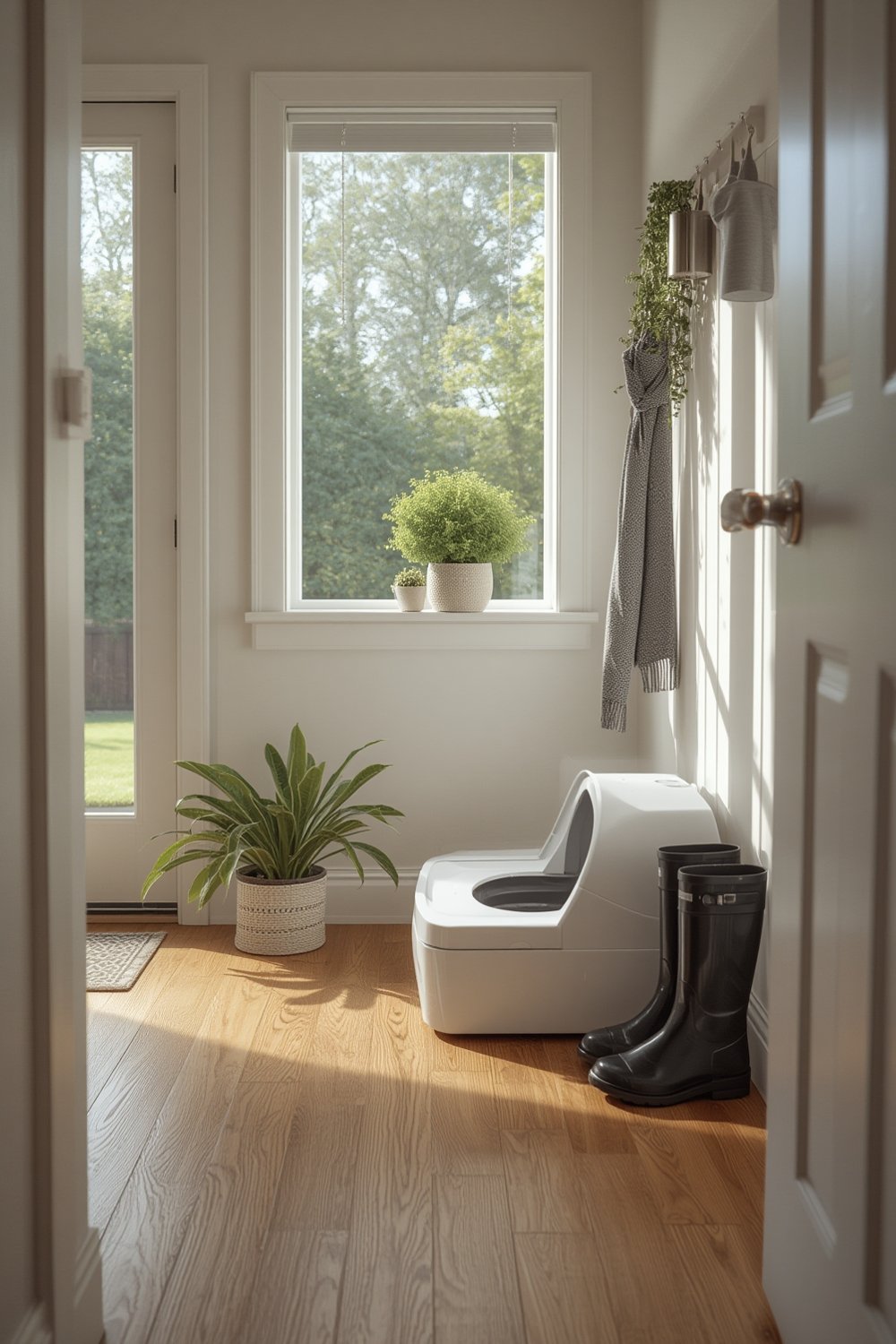
Automatic scooping, real-time fill alerts, and tracking of each cat’s weight or bathroom schedule—all through a smartphone—grab attention among tech-savvy pet parents. Multi-cat features in the Litter Robot 4 offer a single solution for households with up to four cats, a segment of the market projected to rise at 8.9% CAGR as more homes adopt several cats[3].
But the Litter Robot 4 isn’t alone. Other options like CatGenie and PetSafe are fighting for dominance, though few offer the same combination of app analytics and multi-cat management. Some buyers, for instance, compare it directly to the PuraMax self cleaning litter box as pricing and feature differences continue to drive reviews.
Ultimately, the Litter Robot 4’s reputation for data-driven insights and odor reduction make it a go-to for pet owners looking to upgrade from traditional boxes or simpler automatics. However, not all pain points (like ongoing costs and waste management during heavy multi-cat use) are as obvious in marketing copy or competitor comparisons.
How to Set Up and Use the Litter Robot 4 for Multi-Cat Households
Getting the Litter Robot 4 running for multiple cats is straightforward, but a few practical steps can improve both ease of use and long-term satisfaction. Here’s a realistic setup and usage guide tailored to multi-cat homes:
- Choose the right location. Place the Litter Robot 4 where your cats already feel safe—it’s large, so check for steady ground and an outlet. Avoid rooms that get too humid (like bathrooms) to prevent sensor or filter issues in the long term.
- Assemble the included parts. Attach the fence, step, and make sure the carbon filter and one of the five liners are installed. Liner installation is fast; lining up the bag securely avoids leaks later, especially critical with busy multi-cat use.
- Connect to WiFi and the Whisker app. Download the app, follow the pairing process, and assign custom profiles for each cat if you want to track usage and weight individually. This is a standout feature if you want to catch changes in health or behavior.
- Add litter. Litter Robot 4 works with most clumping clay varieties; check the volume to avoid overfilling (which can jam the globe). Double-check compatibility if you use specialty litters. Some silica or pellet types aren’t recommended.
- Monitor and empty the waste drawer. In multi-cat mode, expect to empty the waste drawer every 1–2 days—even with the app’s waste level sensors. If you have four large cats, odor and tracking build-up can happen faster than single-cat marketing implies.
- Regularly replace the filter and liners. Plan for ongoing costs: replace the filter and liners typically need replacing about every month, while liners last about 10–14 days per cat depending on usage volume.
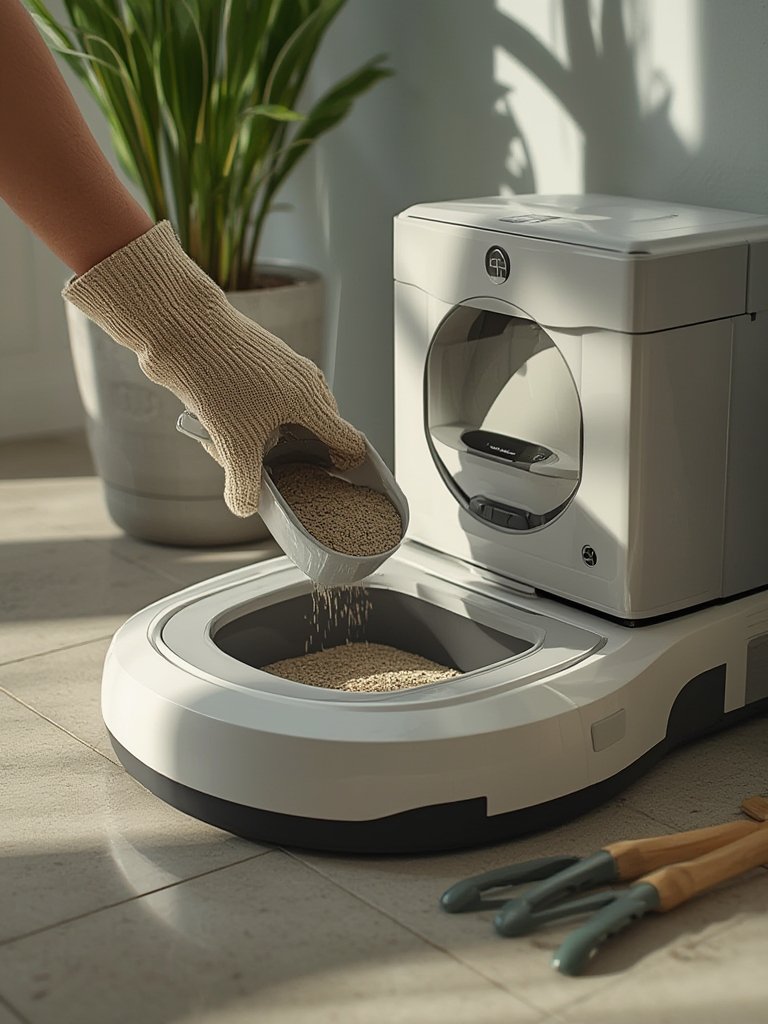
If you need more ongoing cleaning or organization solutions, you might like reviews for the washable rug or want to add a cat sofa to your litter area for feline comfort.
For busy homes, set app reminders to check and clean after big events (like a party or extra guests), as more stress can mean more litter box visits.
Real-World Problems, Pitfalls, and How Litter Robot 4 Compares
No product is perfect—especially when multiple cats are involved. Here’s what to watch for, and a side-by-side comparison with other top multi-cat self-cleaning units.
Common Pitfalls for Multi-Cat Owners
- Waste drawer fills up fast. Four cats can max out the waste drawer in less than two days, requiring frequent emptying despite generous marketing claims. Overflow can cause jammed gears or odor issues.
- Odor control is good—not magical. Carbon filtration works, but heavy use by multiple cats can still overwhelm the system. For best results, swap filters and liners on schedule and don’t skip globe wipes to avoid build-ups of ammonia or urine that sensors miss.
- App tracking is helpful, but not always perfect. Cat weight and usage data can be inconsistent if cats jump in together, or if one is much heavier than the others. Manual review of logs is sometimes still needed.
- Ongoing costs add up. While the up-front price is typically accepted around $400–$699 (based on market segment), liners, filters, and occasional replacement parts can push annual costs higher than anticipated, especially for four-cat homes.
- Cat compatibility claims are broad, but not universal. Litter Robot 4 says 96% of cats adjust quickly, but some skittish cats or certain breeds may resist the noise or size.
- Litter compatibility isn’t universal. Some users report issues with alternative or eco litters clogging the sifting globe or being tracked outside the machine, despite the improved QuietSift™ tech. Check the latest recommendations on the manufacturer’s site before buying specialty litter in bulk.
Comparison Table: Litter Robot 4 vs. Other Multi-Cat Self-Cleaning Litter Boxes
| Feature | Litter Robot 4 | CatGenie | PetSafe | ChillX AutoEgg |
|---|---|---|---|---|
| Waste Drawer Size | Fits up to 4 cats; app monitors waste fill in real time | Not specified for multi-cat homes | Limited details; less common in multi-cat use | Small to moderate; not optimized for 4+ cats |
| Odor Control | Carbon filter, sealed drawer, frequent cleaning still required | Uses water flush, but plumbing needed | Basic, may require more manual cleaning | Standard, less advanced filtration |
| Sensor Technology | Edge laser + weight sensor, custom app insights | Motion/usage sensors, no multi-cat analytics | Entry-level sensors, app optional | Simple sensor, no advanced analytics |
| Multi-Cat Tracking | Tracks up to four cats, including weight/app usage | No individual tracking | App-enabled models exist, but no per-cat data | No individual analytics |
| Litter Compatibility | Clumping clay best, some limits for specialty litters | Requires special washable granules | Clumping and non-clumping, check model specs | Primarily clumping, smaller capacity |
| Ongoing Costs | Filters, liners, parts add ~$100–$200/year | Granules, water, cartridges frequently needed | Moderate, fewer proprietary parts | Very low, but more manual cleaning needed |
| Unique Features | Weight sensor, app, odor analytics, real-time tracking | Flushes waste automatically, water hookup needed | Simple WiFi/app connectivity in select models | Ultra-quiet, minimalist footprint |
Unlike competitors, Litter Robot 4 offers WiFi-enabled analytics and a blend of features for tech-focused households. Many reviews miss topics like waste drawer safety (should your cat ever squeeze in—rare, but a worry for kitten owners), or how well it works for larger breeds. These concerns may matter for those seeking absolute peace of mind.
For context, if you want additional pet care automation, adding a smart pet feeder or a PetSnowy automatic litter box to your home system might appeal if you’re exploring multi-device synergy.
Final Verdict: Should Multi-Cat Owners Buy the Litter Robot 4?
The Litter Robot 4 delivers on most promises for tech-forward multi-cat owners. Its ability to support four cats, weight analytics, and app insights make it unique in the rapidly growing smart cat litter box market[3]. Real-world use, however, means regular emptying and filter changes—especially with multiple large cats. Not every litter is compatible, and the up-front price plus ongoing supplies should be budgeted realistically. Features like WiFi app integration and health analytics are innovative but users still need to keep an eye on waste build-up and possible sensor quirks.
If you want a self-cleaning litter box that actively tracks each cat’s habits—while knowing you still need to handle some chores—the Litter robot 4 is a leading option. Want more? Explore our honest take on making your outdoor space cat-safe with a catio or see how outdoor planters can elevate your backyard for pets and people alike.
Ready to upgrade your litter box for a smarter, cleaner, and more connected cat care routine? Visit the official site to check details or read competitor reviews before making your move.
Frequently Asked Questions
How many cats can safely use the Litter Robot 4?
The Litter Robot 4 is officially rated for up to four cats of most sizes, with 96% acclimating within a week. Extra-large breeds or more than four cats may require a second unit.
Can kittens or very large cats use the Litter Robot 4?
Yes, the design suits both kittens (over five pounds) and larger breeds, thanks to a roomy globe and low step. However, supervise small kittens at first to ensure safe use.
Which types of litter work best with Litter Robot 4?
Clumping clay litters perform best. Most silica, pine, or pellet litters are not recommended as they may jam the sifting mechanism or reduce odor control effectiveness.
How often will I need to empty the waste drawer?
With multiple cats, expect to empty the drawer every 1–2 days to keep odors low and sensors accurate—even with app monitoring enabled.
What are the ongoing costs of using the Litter Robot 4?
Expect to spend roughly $100–$200 per year on liners, filters, and occasional replacement parts, depending on your household size and usage rates.