
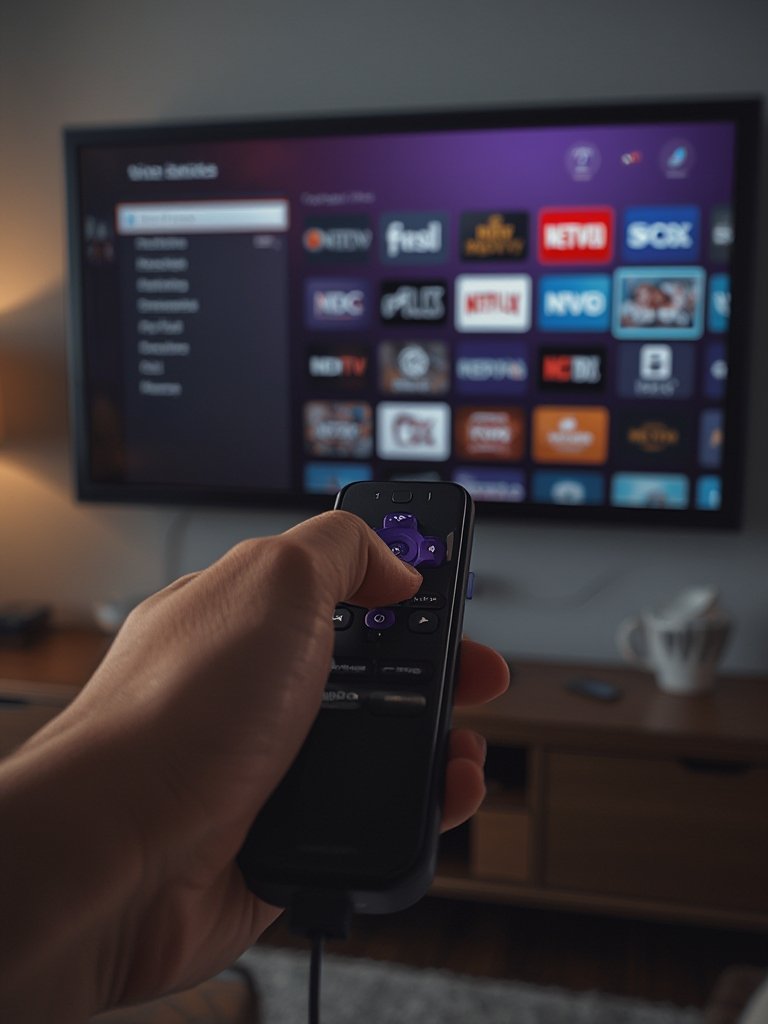
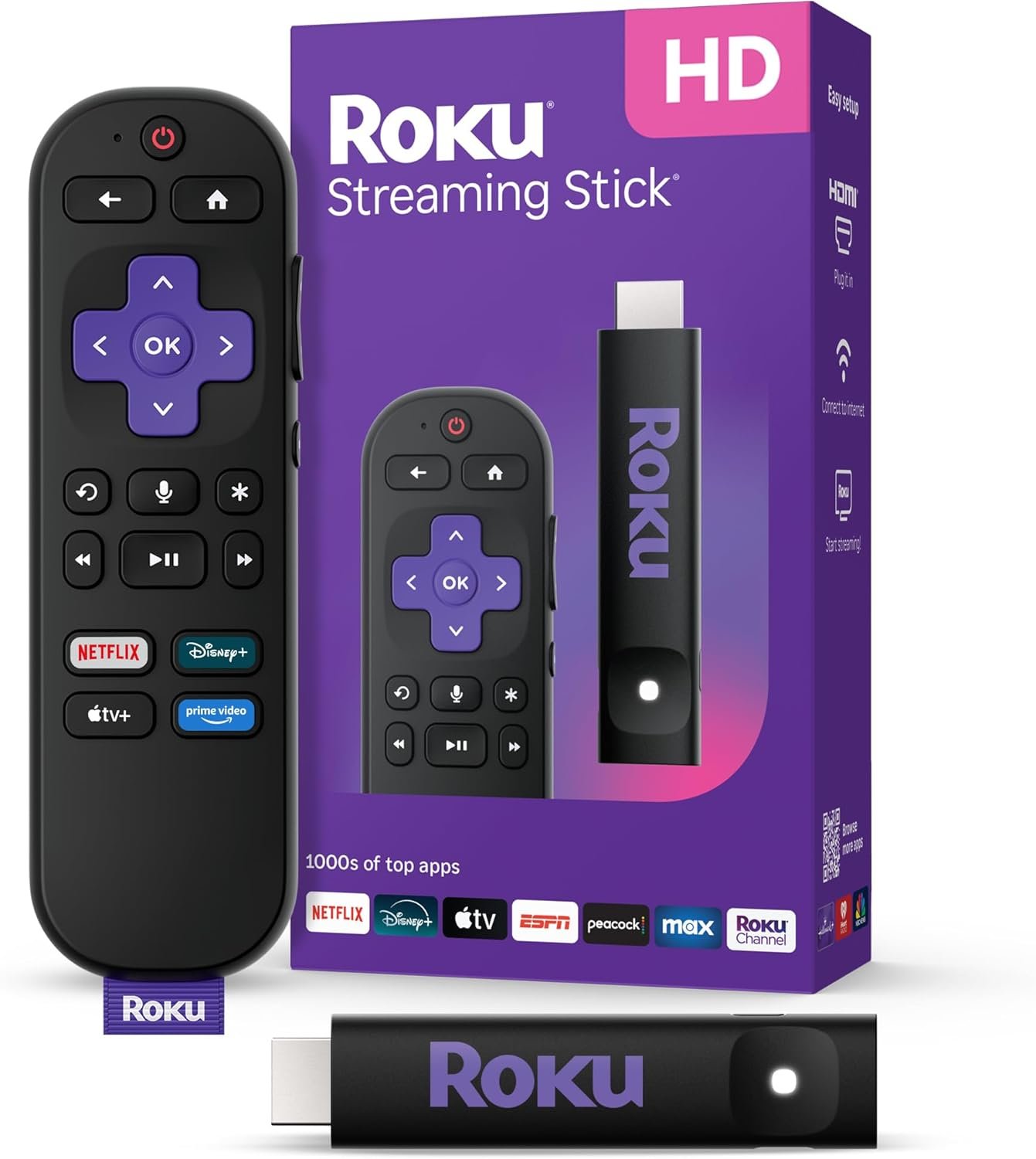
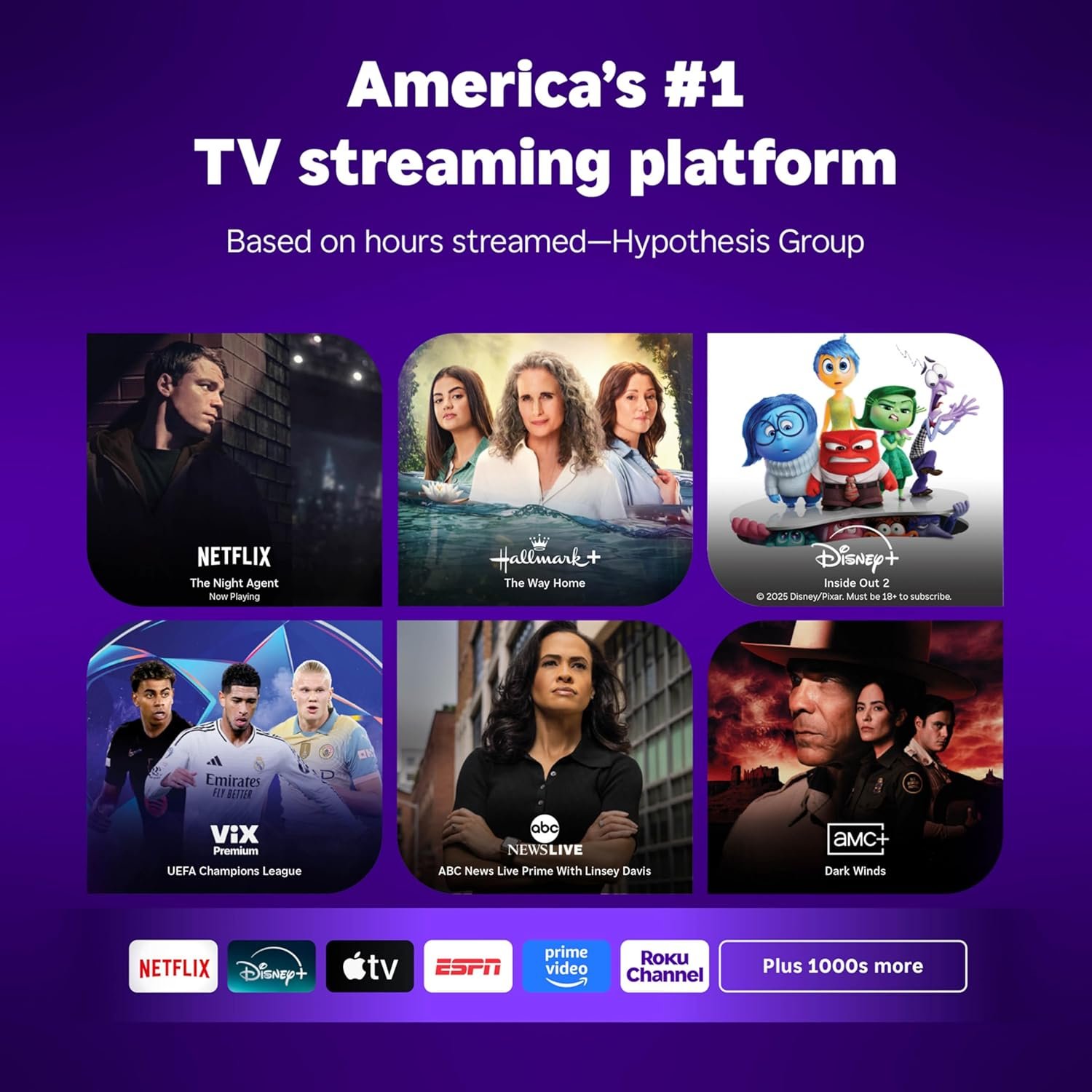
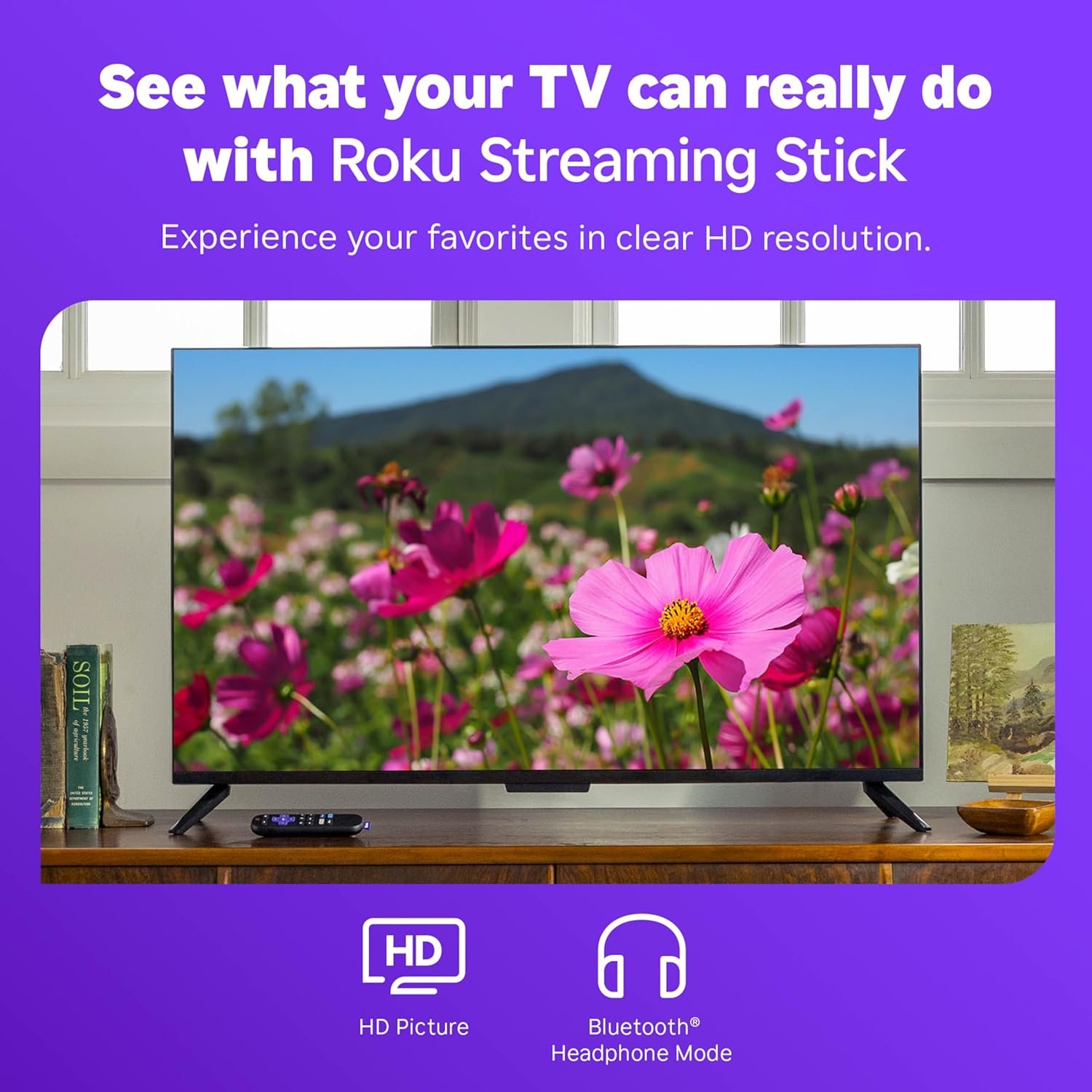
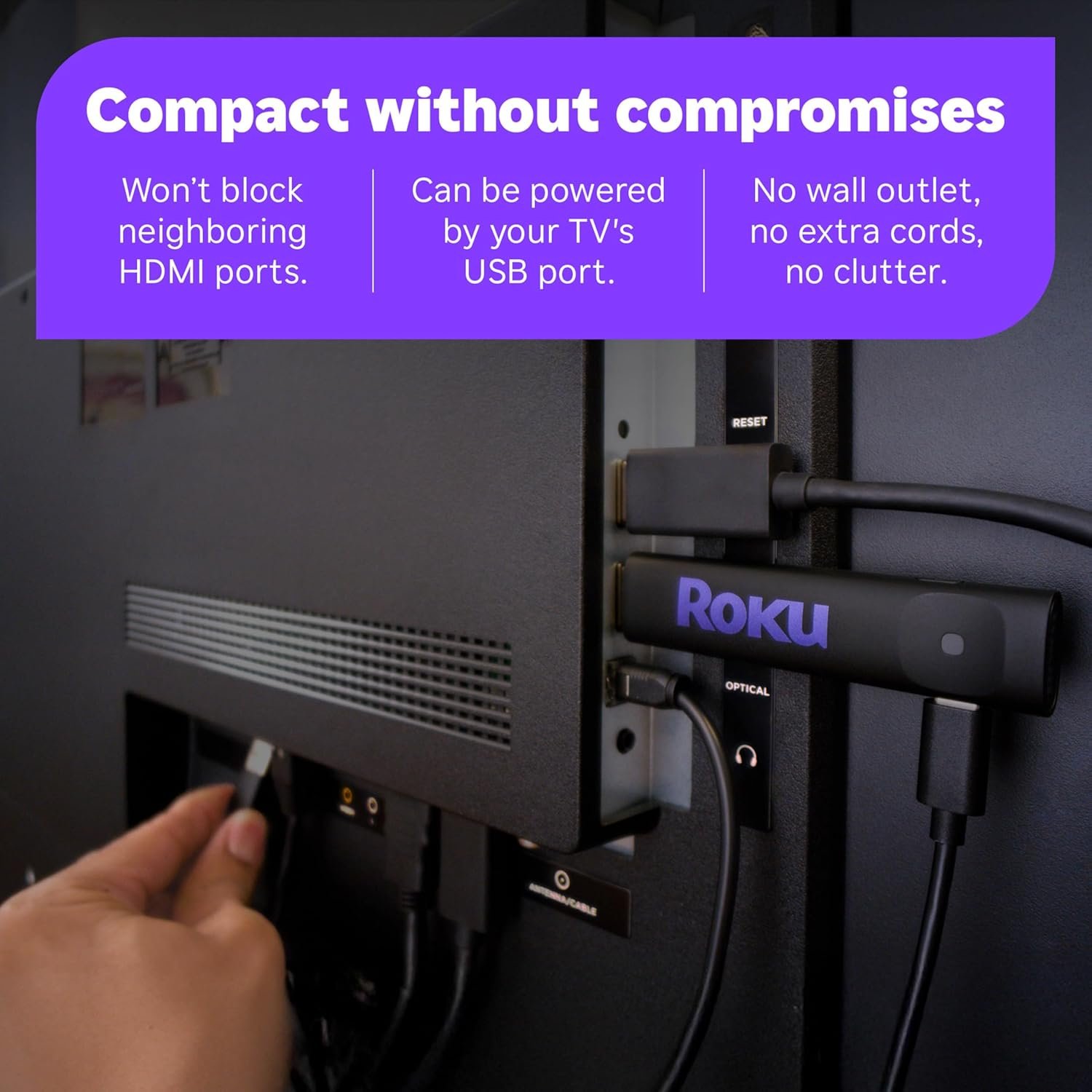
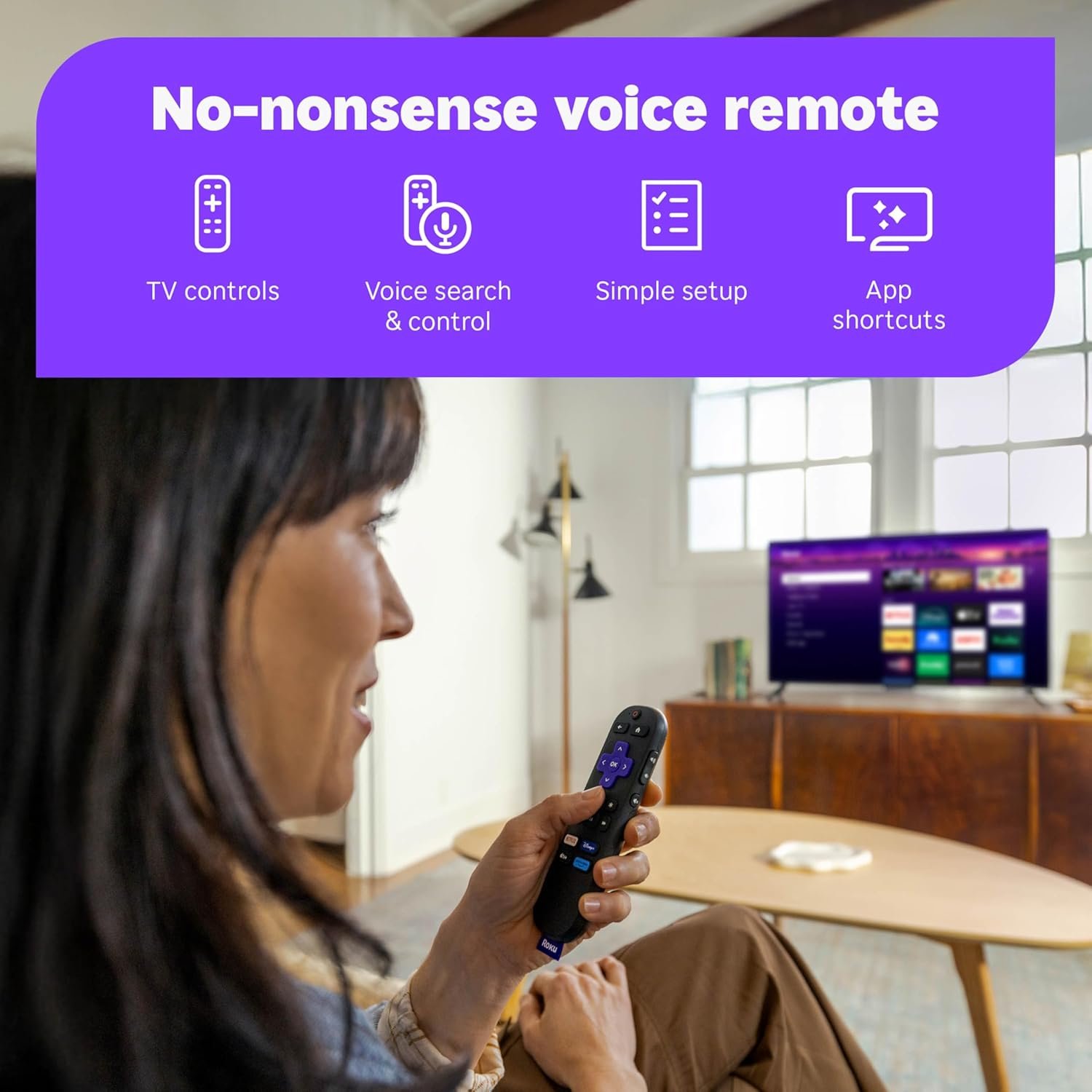

Upgrade your TV with the Roku Streaming Stick HD 2025 from the Roku Store, a compact HD streaming device that effortlessly brings all your favorite apps, free movies, and over 500 live TV channels together. Its sleek design plugs directly into your TV, eliminating clutter and extra cords, while the included voice remote lets you control everything—power, volume, and content search—with ease. Enjoy quick setup and an intuitive home screen for fast access to top streaming content, making Roku the ultimate hassle-free entertainment upgrade.
We’ve always had a love-hate relationship with streaming. We loved the freedom of choosing what to watch, but we hated the tangle of devices, remotes, and subscriptions scattered across our living room. Our old setup involved an aging smart TV with a sluggish interface, a separate streaming box that required its own power outlet, and two remotes we constantly misplaced.
Table of Contents
Disclosure: As an Amazon Associate, we earn from qualifying purchases. This means when you purchase through links on this page, we may earn a small commission at no extra cost to you.
The roku stick is a compact streaming media player designed to transform any TV with an HDMI port into a smart entertainment hub. It delivers HD streaming through thousands of apps, including live TV channels, movies, and shows—many of them completely free. This device targets cord-cutters, couples looking to simplify their home entertainment setup, and anyone tired of juggling multiple remotes or dealing with bulky cable boxes.
When we discovered the roku stick, we were intrigued by the promise of plug-and-play simplicity and a single voice remote that could control everything. After using it daily for several months, it’s become the centerpiece of our evening routine—whether we’re catching up on live news, exploring free content, or streaming our favorite shows.
The Roku Streaming Stick HD measures just a few inches in length and plugs directly into your TV’s HDMI port without blocking neighboring connections. It powers entirely from your TV’s USB port, so there’s no need for a wall outlet or extra cables cluttering your entertainment center. The included Roku Voice Remote features TV power and volume controls, plus voice search and playback buttons for hands-free navigation. Roku’s platform gives you access to over 500 free live TV channels and thousands of streaming apps, all organized on a customizable home screen. This slim design is perfect for apartments, dorm rooms, or homes where you want the streaming power without the visual bulk—it literally disappears behind your TV.
What We Honestly Loved
The compact design fits seamlessly into our living room aesthetic. Unlike bulky set-top boxes, the roku stick hides completely behind our wall-mounted TV, leaving our media console clean and clutter-free. The matte black finish blends with any setup, and because it draws power from the TV itself, we eliminated an entire power cord and outlet. For couples living in smaller spaces or anyone who values a minimalist look, this streaming device is practically invisible—yet it delivers a full-featured smart TV experience.
Setup was genuinely a team effort, and we had it running in under 10 minutes. One of us plugged the stick into the HDMI port and connected the USB power cable, while the other followed the on-screen prompts to connect to our Wi-Fi network and create a Roku account. The voice remote paired automatically, and we were immediately impressed that it controlled our TV’s power and volume without any extra programming. According to Roku’s official site, this universal remote compatibility works with most major TV brands, and it’s proven true in our experience—we finally ditched our second remote for good.
After months of daily use, this streaming media player has handled everything we’ve thrown at it with zero hiccups. We stream live news every morning, binge-watch series on weekends, and explore free movies on The Roku Channel whenever we’re browsing. The interface stays snappy, even when switching between apps, and we’ve never experienced crashes or freezing. The voice remote’s batteries have lasted far longer than we expected, and the stick itself runs cool to the touch even during multi-hour viewing sessions. For more home entertainment ideas, check our guide to upgrading your living room tech.
Setup & Care Tips
- Optimize your Wi-Fi connection: If your router is far from your TV, consider using a Wi-Fi extender or placing your router in a more central location. We noticed smoother HD streaming after moving our router one room closer, eliminating occasional buffering during peak evening hours.
- Customize your home screen: Spend a few minutes rearranging app tiles so your most-used services appear first. We moved our favorite free channels and live TV apps to the top row, cutting our navigation time in half and making our nightly routine feel effortless.
- Update regularly: Enable automatic software updates in the settings menu to ensure you always have the latest features and security patches. Roku pushes updates frequently, and we’ve noticed improvements in voice search accuracy and app performance over time.
- Use headphone mode: If one of you is a night owl, take advantage of the Roku mobile app’s private listening feature. Pair your smartphone, plug in headphones, and stream audio wirelessly so one of us can watch late-night TV without disturbing the other—it’s been a relationship saver.
Is It Honestly Loved?
Yes—the roku stick hits a sweet spot between affordability, simplicity, and performance that we genuinely appreciate. It’s not the highest-resolution streamer on the market (you’ll need a 4K model for that), but for HD content and everyday viewing, it delivers exactly what most couples and households actually need. We love that it consolidates our entertainment without adding clutter, costs a fraction of premium streaming boxes, and gives us access to hundreds of free channels alongside our paid subscriptions. It’s the smart middle ground between bare-bones budget devices that lag and freeze, and expensive flagship models with features most people rarely use.
This tv streaming platform is ideal for cord-cutters who want live TV without cable bills, couples in apartments or starter homes who value clean aesthetics, and anyone upgrading an older TV without breaking the bank. It’s also perfect for guest bedrooms, RVs, or dorm rooms where space and budget matter. However, if you’re a videophile demanding 4K or Dolby Vision, or you have a massive home theater setup with high-end audio equipment, you’ll want to explore Roku’s premium models or competitors like the Apple TV 4K. For the rest of us who just want reliable, easy home entertainment, this smart TV accessory is exactly what we needed.
Frequently Asked Questions
How difficult is the initial setup for non-tech-savvy users?
Setup is incredibly beginner-friendly. You plug the streaming device into your TV, connect to Wi-Fi by following simple on-screen instructions, and create a free account. We had it running in about 10 minutes, and neither of us considers ourselves tech experts. The voice remote even pairs automatically, so there’s no confusing pairing process.
Can we watch live TV and sports without a cable subscription?
Absolutely. The platform offers over 500 free live TV channels covering news, weather, sports highlights, and entertainment. You won’t get every major sports network without a subscription service, but we’ve found plenty of live sports coverage and highlights through free channels. For premium sports, you can add subscriptions like ESPN+ or Peacock directly through the interface.
Does this streaming media player work with older TVs?
As long as your TV has an available HDMI port and a USB port for power, you’re good to go. We’ve tested it on a 10-year-old TV and a brand-new model, and both worked flawlessly. If your TV lacks a USB port, Roku includes an optional power adapter you can plug into a wall outlet instead.
How does the voice remote perform compared to typing with arrow keys?
The voice remote is a game-changer for search. Instead of painfully typing titles letter by letter using on-screen keyboards, you press the microphone button and say what you want. We use it constantly for finding shows, actors, or genres, and it’s accurate about 90% of the time. It also controls TV power and volume, so we genuinely use only one remote now.
What kind of streaming quality can we expect with our home internet?
This plug and play device streams in HD (up to 1080p), which looks excellent on most TVs. Roku recommends at least 3 Mbps for standard definition and 9 Mbps for HD content. Our internet averages around 50 Mbps, and we’ve never experienced buffering or quality drops, even when one of us is browsing on a laptop simultaneously. If you have slower internet, you can adjust video quality settings in the menu to prevent stuttering.
Check our latest Fresh Finds HERE
Curated with Passion, Shared with Love,
The HONESTLY LOVED Team