

Smart charging station technology is rapidly changing how Americans power electric vehicles at home. If you want faster charging, more control, lower costs, and the ability to future-proof your EV experience, a smart charging station is now the standard to beat. This guide strips out hype and shows exactly what you get, what to watch for, and how to avoid common headaches when installing a smart Level 2 charging station at home.
Key Takeaways
- Smart charging stations deliver faster, safer, and more flexible EV charging but require careful planning for compatibility and installation.
- ChargePoint Home Flex and Tesla Wall Connector both offer top-tier performance; ChargePoint leads in smart features, Tesla in all-around compatibility and simplicity.
- Utility rebates, cybersecurity, and future features like peer-to-peer energy sharing often go overlooked—savvy buyers consider these for long-term savings and protection.
- 1. The Core Concept: What Is a Smart Charging Station and Why Bother?
- 2. Step-by-Step Guide: How to Install and Get the Most from a Smart Charging Station
- 3. Advanced Analysis & Common Pitfalls
- 4. Conclusion: Is a Smart Charging Station Worth It?
- 5. FAQ: Smart Charging Station Homeowners’ Questions Answered
The Core Concept: What Is a Smart Charging Station and Why Bother?
Smart charging stations are upgraded EV chargers that connect to your home Wi-Fi, enabling features like scheduling, remote monitoring, flexible amperage, and even voice assistant integration. Unlike basic “dumb” Level 2 chargers, a smart charging station lets you optimize for off-peak utility rates, track usage, and manage multiple vehicles or solar charging with minimal hassle. They prioritize safety and deliver up to 44 miles of range per hour using a 50- or 60-amp circuit—cutting charge times by 7-10x versus Level 1 mobile cords.
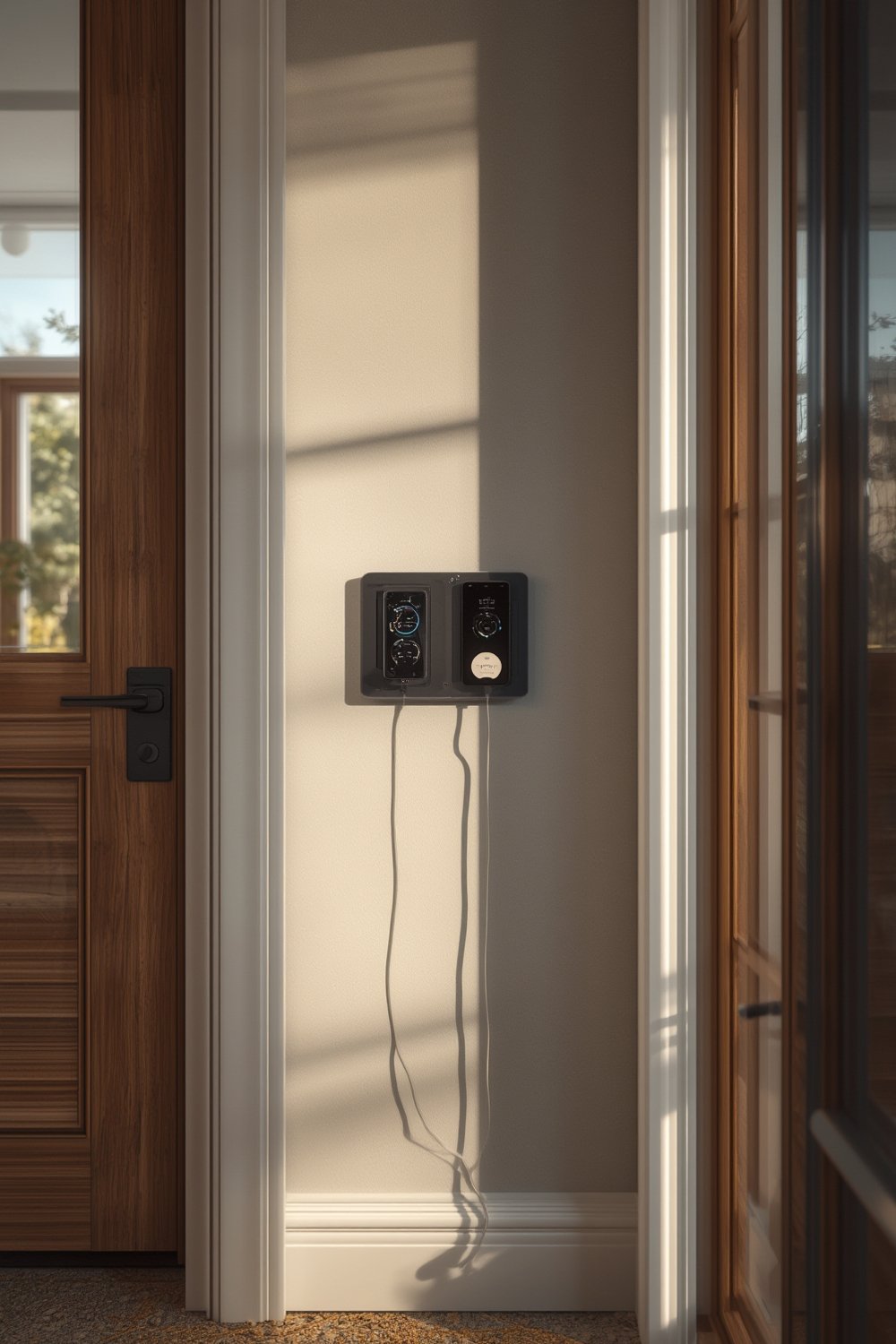
With more Americans switching to electric, upgrading to a smart charging station boosts convenience, reliability, and often even resale value. As cities and employers invest in public EV infrastructure, home charging remains the single most efficient way to keep your EV ready for any commute.
Both ChargePoint Home Flex and Tesla Wall Connector (Universal) dominate the U.S. market—each with slightly different approaches to smart features, compatibility, and installation flexibility, as covered in detail below.
Step-by-Step Guide: How to Install and Get the Most from a Smart Charging Station
Ready to bring efficient, high-speed charging home? Here are the essential steps and pro moves that separate a smooth install from a regret-filled one:
-
Choose Your Smart Charging Station Model
- If you have a Tesla or anticipate switching EVs, the Tesla Wall Connector Universal is hard to beat for all-in-one compatibility and 44 miles/hour speed. Note: no Wi-Fi or app.
- For advanced features (scheduling, energy tracking, Alexa/Google voice, load control), the ChargePoint Home Flex supports up to 50 amps and integrates well into smart homes. Non-Tesla owners often favor ChargePoint.
- Don’t forget: For using ChargePoint with a Tesla, you’ll need a certified adapter cable. Budget about $199 extra.
-
Assess Your Electrical Panel (Don’t Skip This!)
- Get your main panel inspected for spare capacity—a 50- or 60-amp dedicated circuit (240V) is required for full-speed charging.
- Older homes or those with crowded panels may need an upgrade—work with a qualified electrician for safety and code compliance.
-
Hardwired vs Plug-In? Make the Safe Choice
- Plug-in installs seem easier, but experts and most code standards now recommend hardwiring for stability and fire safety.
- ChargePoint Home Flex allows either, but Tesla Wall Connector is hardwire-only.
-
Schedule a Pro Installation
- Installation ranges from $1,300–$1,900 regionally (DFW example). Hardwiring adds 30–45 minutes labor but increases reliability.
- See if your provider bundles hardware/install for a discount or offers installation referral.
- For permitting, almost all cities require a permit/inspection for 240V circuit work.
-
Connect to Wi-Fi and Configure Your Charger
- For ChargePoint Home Flex, set up the app to schedule off-peak charging, track energy use, and review historical sessions.
- Consider integrating Alexa or Google Home for remote control and voice status checks.
- Tesla Wall Connector requires no app but switch to NACS or J1772 plug as needed for different EVs.
-
Monitor, Maintain, and Plan for the Future
- Periodic inspection for cord wear and secure mount is smart. No major maintenance is typically needed, but surges or storm damage can affect electronics.
- Monitor your utility rates and retune schedules for ongoing savings.
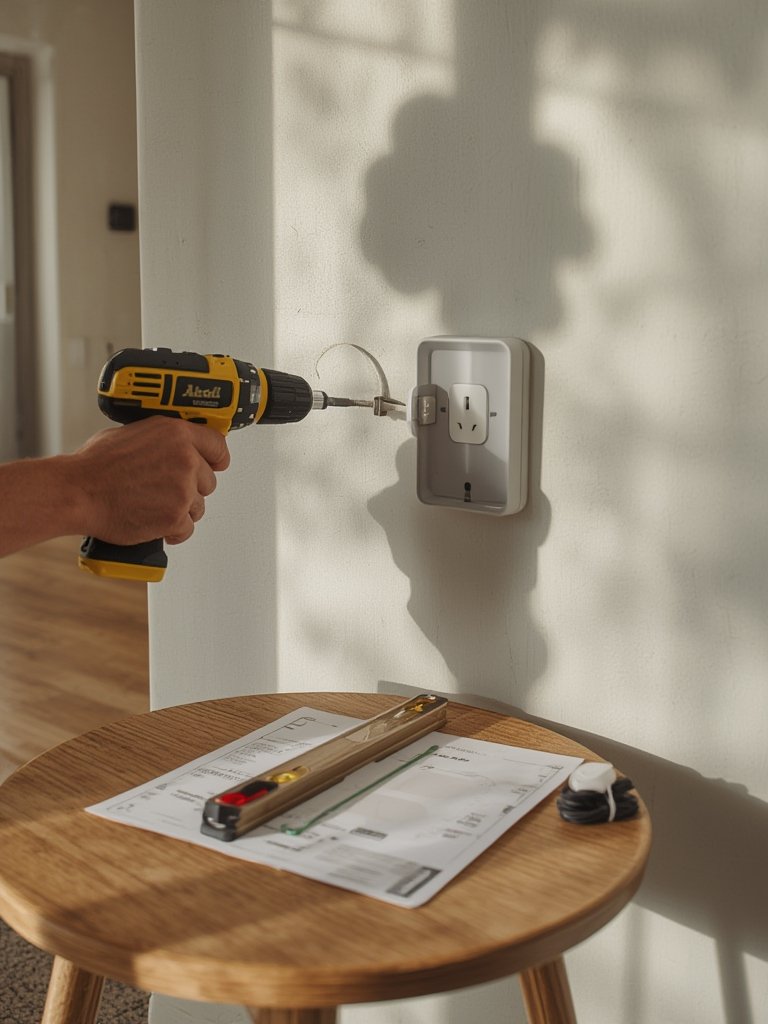
Remember: If you get stuck, consult the research-backed guides from top EV charging review sites. Planning ahead pays off with years of hassle-free home charging.
For wider home upgrades, see our guides on heat pump water heaters and ventless washer dryers—these trends often qualify for bundled utility rebates and similar installation considerations.
Advanced Analysis & Common Pitfalls
Even the best smart charging station can disappoint if you overlook common issues. Here’s what stands out from 2024 research and real-world installations:
- Incompatible Hardware: Tesla connectors now support both NACS and J1772, but ChargePoint still requires an adapter for Teslas. Forgetting the adapter can mean frustrating delays and extra costs.
- Poor Wi-Fi or App Connectivity: ChargePoint Home Flex relies on a strong, stable Wi-Fi signal. Basements or garages with weak Wi-Fi may see features like scheduling or energy tracking fail intermittently.
- Electrical Panel Surprises: Many older U.S. homes need panel upgrades for safe, full-speed charging—especially if adding other major appliances (see the cross-over with ADU and secondary dwelling unit installations).
- Permit or Inspector Delays: City codes differ—some require separate permits, GFCI protection, or arc fault breakers; others mandate only licensed electrician sign-off.
- Unclaimed Utility Rebates: Many buyers miss out on $250–$1000 rebates from utility or state programs by not submitting early or failing to hire a certified installer. Check your utility’s site before you buy.
| Feature | ChargePoint Home Flex | Tesla Wall Connector (Universal) |
|---|---|---|
| Max Output | 50A (plug-in: 40A, hardwired: 48–50A) | 48A (60A circuit, 44 mi/hr for Tesla) |
| Compatibility | J1772 EVs, with adapter for Tesla | NACS and J1772 (built-in, no adapter swap) |
| Smart Features | Wi-Fi, app scheduling, usage tracking, Alexa/Google integration | No official app, no Wi-Fi, basic on-device setup |
| Load Management | Household output monitor; no dynamic power sharing | None stated |
| Installation | Plug-in or hardwired; more flexible placement | Hardwire only |
| Typical Cost (2024) | $699 + install ($1,300–$1,900) | $475 + install ($1,300–$1,900) |
For households that want maximum energy resilience, pairing your charger with ADU construction or considering backup circuit options is increasingly common—and adds value in a competitive real estate market.
Three game-changing angles often missed in top-ranking guides:
- Cybersecurity: Few chargers offer robust protection against hacking. If you connect to Wi-Fi, ask the manufacturer about security protocols and software updates.
- Peer-to-Peer Energy Sharing: While rare for homes today, new platforms could soon let you share or sell excess solar EV charging with neighbors. Look for software-ready chargers.
- Utility Rebates & Tax Credits: Most buyers miss out on these, so double-check for local programs on the manufacturer’s FAQ page or with your city/state energy office.
Finally, real user case studies — like changes to charging habits, energy costs, or home value — remain underreported but can offer clarity. If you have experience, share it with online communities or comment sections to help fill this knowledge gap for future buyers.
Conclusion: Is a Smart Charging Station Worth It?
If your electric car is part of daily life, a smart charging station is a practical, future-proof investment. The best models deliver safer, faster charging, real-time data, and convenience that traditional charging cords simply cannot match. Yes, the upfront investment and install process require planning, but with tax credits, rebates, and thoughtful model selection, most homeowners recover the cost quickly. Make sure you align your choice with your home’s infrastructure, local permitting rules, and longer-term needs.
Ready to take the next step? Compare your options, talk with your electrician, and unlock the comfort and control of a smart charging station in your own garage. For more in-depth guides on modern home upgrades, explore our reviews of compact drill driver kits or mechanics tool sets—ideal if you install yourself or plan EV maintenance in the future.
FAQ: Smart Charging Station Homeowners’ Questions Answered
What’s the difference between Level 1, Level 2, and smart charging stations?
Level 1 chargers use standard 120V outlets—very slow, adding 3–5 miles per hour. Level 2 chargers use 240V circuits for much faster speeds (25–44 miles/hour). Smart charging stations are Level 2 units featuring Wi-Fi, scheduling, data tracking, and remote control for greater energy/time efficiency.
Is a plug-in or hardwired installation safer for home charging?
Hardwired is preferred by most electricians and often required by code for heavy-duty 240V circuits. Plug-in can be less stable over time and may trip circuits during storms or heavy demand. If you want peace of mind, hardwired is the way to go.
Can I use a ChargePoint Home Flex on a Tesla vehicle?
Yes, but you must purchase a certified J1772-to-Tesla adapter (about $199). The Tesla Wall Connector works natively with NACS and J1772, switching with no adapter swap.
Are there any rebates or tax credits for installing a smart charging station?
Yes, many utilities, states, and the federal government offer rebates or tax credits, but pre-approval or submitting paperwork before installation is often required. Check with your local energy office or utility before buying.
Will adding a smart charging station increase my home’s resale value?
While 2024 data is scarce, realtors and buyers increasingly view home EV charging as an attractive upgrade that can make your property stand out—especially in competitive housing markets and for buyers committed to EVs.
[…] more advanced or electric vehicle charging needs, check out our smart charging station guide. And if you’re upgrading your DIY workspace, you might find a slim ladder bookshelf handy for […]